The Wayland Ghost Bug: Fixing Flatpak Crashes on Linux Mint
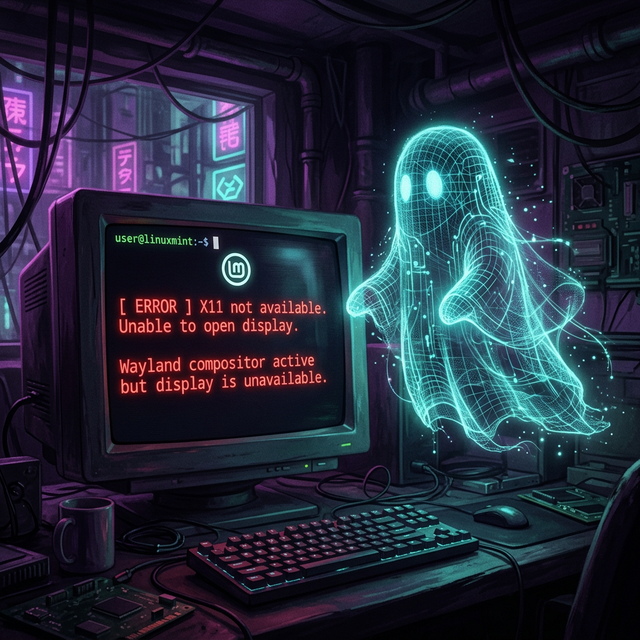
The "Wayland Ghost" Bug: Fixing Flatpak Crashes on Linux Mint
If you've been tinkering with the new Wayland support in Linux Mint and decided to switch back to the reliability of X11, you might find that some Flatpak apps suddenly refuse to launch. This isn't specific to any single app; I first ran into it with Sober (the Roblox runtime), but it can hit any Flatpak that depends on a display server connection.
The Symptom
You try to run a Flatpak app and get a fatal crash that looks something like this:
ERROR: window: SDL_INIT_VIDEO failed. SDL error: x11 not available
FATAL: Crash: failed to get display mode: Video subsystem has not been initialized
Even though you are clearly sitting in an X11 session, the app acts like it's blindfolded.
The Cause: Stale Sockets
When you log into a Wayland session, Linux creates a socket file (usually wayland-0) in your runtime directory. When you log out and switch back to X11, Mint sometimes leaves that file behind.
Flatpak sees that wayland-0 file and assumes Wayland is active. It tries to prioritize that connection, fails because the Wayland server isn't actually running, and crashes instead of falling back to X11.
The Fix
You just need to evict the ghost. Open your terminal and run:
# Check for the stale socket
ls $XDG_RUNTIME_DIR/wayland-*

# Delete the ghost files
rm -f $XDG_RUNTIME_DIR/wayland-0 $XDG_RUNTIME_DIR/wayland-0.lock
Once those files are gone, launch your Flatpak app again:
flatpak run org.vinegarhq.Sober # or whatever app was crashingThe app should now correctly identify the X11 display and boot right up. This applies to any Flatpak that was failing; Sober, Firefox, OBS, you name it. Happy computing!